
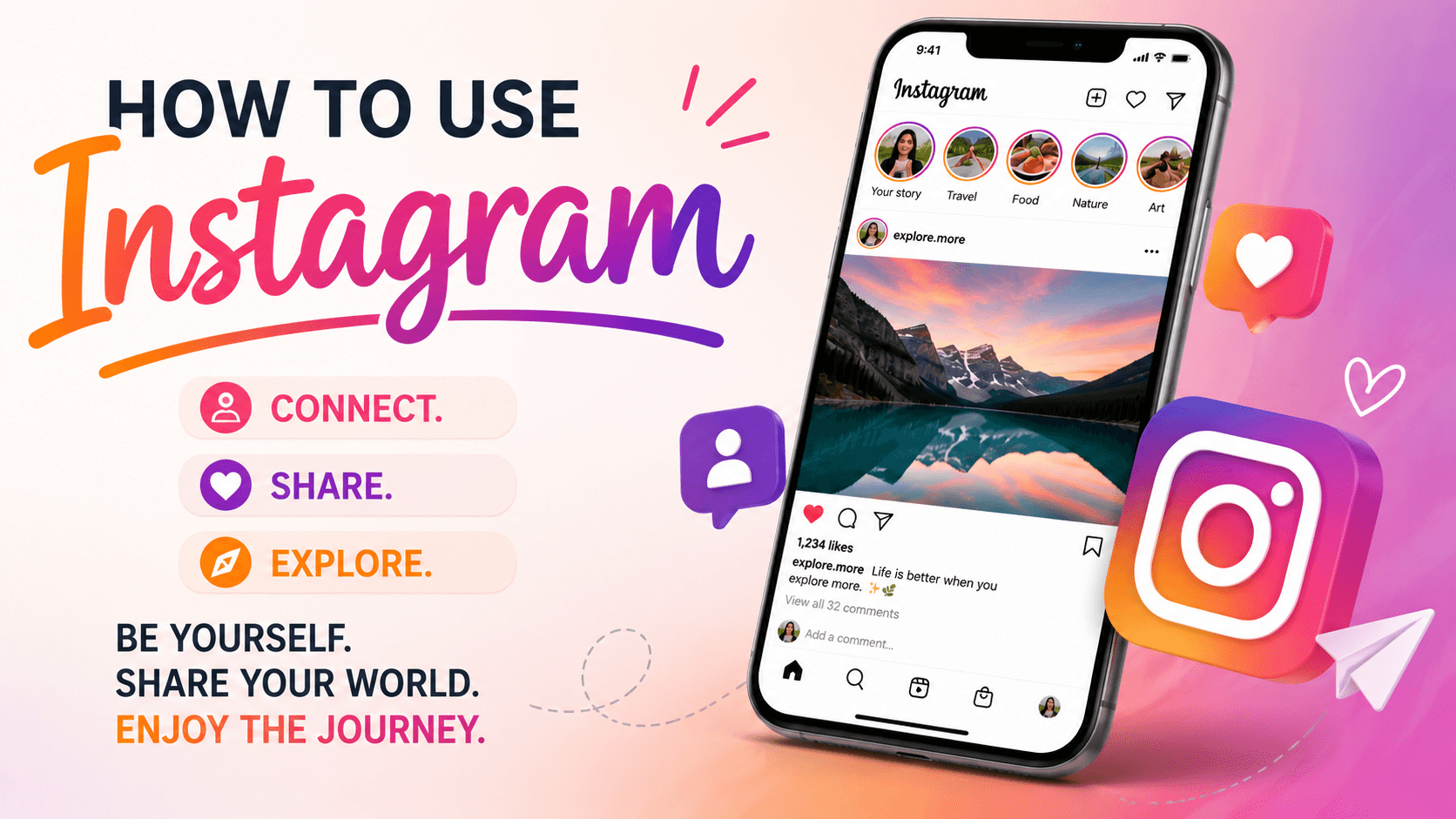
Instagram is a highly popular social networking app which allows people to share pictures, videos, stories and reels and connect to other people such as friends, creators, brands, and companies. Regardless of how you wish to use Instagram whether for your personal or business purposes, getting an understanding of its features will help you use Instagram effectively. If you are wondering how to go about using Instagram, then you should check out this guide which will show you all you need to know including creating an Instagram account and making use of its features.
What Is Instagram and How Does It Work?
Instagram is an online image-based social networking service that enables its users to share pictures, comment, follow other users' accounts, share posts, like, message, etc.
Understanding the Basics of Instagram
Instagram is centered around images. Its basic functionalities include:
- Photo sharing
- Sharing Stories
- Reel creation
- Following users
- Direct messaging
- Exploring trending posts
Content visibility on Instagram depends on the algorithm.
Why Instagram Is So Popular
There are various reasons why Instagram has gained popularity in recent years. Some of them include:
- Ease of use
- Highly visual nature of the platform
- Social interaction among friends
- Influencing trends
- Promoting business
- Selling products
Key Features Every Beginner Should Know
Here are some Instagram features you might need to know:
- Posts on Feed
- Stories
- Reels
- Direct Messages
- Explore
- Hashtags
- Highlights
- Live Videos
- Analytics
This is what would make using Instagram easier for you.
How to Create an Instagram Account
In order to learn about the steps to creating an Instagram account, you must create the Instagram account first.
Signing Up with Email or Phone Number
In order to open an Instagram account:
- Download Instagram.
- Open it.
- Tap on Sign Up.
- Type in your email address or phone number.
- Choose your password.
- Write in your full name.
- Choose a username.
- Complete the registration process.
You can also sign up using Facebook.
Choosing the Right Username
A username needs to be:
- Easy to recall
- Easy to spell
- Representative of who you are or your brand
- Professional if meant for branding purposes
Include minimal symbols and numbers.
Setting Up Your Profile and Bio
Add the following components to make your profile:
- Profile picture
- Bio
- Link to website
- Contact details
A complete profile makes your audience know about yourself and inspires followers.
How to Use Instagram for Beginners
Once you have created an account on Instagram, it is now time to learn the platform.
Navigating the Home Feed
Your Home Feed contains the content from the accounts that you follow.
On Home Feed, you can:
- Like posts
- Comment
- Watch videos
- Share content
- Save posts
Instagram personalizes its home feed according to your interests.
Exploring the Instagram Interface
The bottom navigation toolbar usually consists of:
Home - See the content shared by people you follow.
Search / Explore - Search and find new content.
Create – Share posts, stories, and reels.
Reels - View reels.
Profile - Your profile account.
Understanding Notifications and Activity
Notifications alert you whenever:
- Someone follows you
- Someone likes your posts
- Someone comments on your posts
- You get a direct message
- Someone tags you
How to Use Instagram Step by Step
Following Accounts That Interest You
Look up and find people, companies, and individuals whose interests align with yours.
To follow an account:
- Go to their profile.
- Click "Follow."
The feed will become more relevant when you follow interesting accounts.
Engaging with Posts and Content
Interaction is a huge part of Instagram.
Some of the ways you can interact with content include:
- Liking posts
- Commenting
- Sharing posts
- Saving posts
- Reacting to stories
Meaningful interactions lead to better connections and reach.
Building Your First Instagram Routine
Some examples of an effective routine could be:
- Going through notifications
- Watching stories
- Replying to messages
- Interacting with content
- Posting new content
Being consistent helps you get used to the platform.
Creating Your First Instagram Post
Content creation is an essential element of Instagram.
Uploading Photos and Videos
For posting content:
- Press the "+" button.
- Choose your photo/video.
- Edit it.
- Write a caption.
- Use hashtags.
- Press "Share."
Your content will be shown in their news feed.
Writing Captions That Stand Out
A good caption can enhance engagement.
Suggestions include:
- Ensure your captions are easy to understand.
- Write a story.
- Pose questions.
- Insert a call to action.
- Use emojis where necessary.
Captions give additional information about the post and prompt user interaction.
Adding Locations and Tags
Hashtags are helpful in making your content more visible.
Some things you can hashtag:
- Friends
- Brands
- Buisnesses
- Collaborators
This makes your content more visible and gives you more chances to interact.
How to Use Instagram Stories Effectively
Instagram stories are posts that are removed after 24 hours.
Creating and Publishing Stories
- Swipe right from the Home tab.
- Post either a picture or a video.
- Add text/stickers.
- Go to Your Story.
They are perfect for daily updates.
Using Stickers, Polls, and Music
Interactive Tools for Instagram Stories:
- Polls
- Questions
- Quizzes
- Countdowns
- Music
- GIFs
These options promote engagement among your followers.
Saving Stories to Highlights
By creating Highlights, you can keep Stories available on your profile indefinitely.
Some examples of Highlight Categories:
- Products
- Services
- Reviews
- Tutorials
- Travel
- Events
Highlights give visitors information about your profile instantly.
How to Use Instagram Reels
Instagram Reels are short videos created to enhance visibility and engagement.
What Makes Reels Different?
As opposed to ordinary photos and videos, Reels receive a lot of promotion from Instagram recommendations.
Advantages:
- Visibility
- Engagement
- Discoverability
- Audience building
Creating Your First Reel
To make a Reel:
- Press the "+" button.
- Choose "Reel."
- Shoot or upload clips.
- Apply music and special effects.
- Type the caption.
- Post the video.
Tips for Better Reel Performance
To get more out of Reels:
- Catch attention.
- Utilize trending songs.
- Create short videos.
- Use captions.
- Create valuable content.
Regularly posting Reels usually results in fast-growing audience.
Understanding Instagram Filters and Editing Tools
There are editors in Instagram that will enhance the quality of content prior to uploading it.
How to Use Instagram Filters
Filters will immediately affect the quality of the photo or video.
They could be used to:
- Enhance the color scheme
- Brighten the content
- Maintain a certain style
- Make the picture more appealing
The filters need to be applied minimally for a natural effect.
Editing Photos Before Posting
There are various options in Instagram editors like:
- Brightness
- Contrast
- Saturation
- Warmth
- Highlights
- Shadows
- Sharpness
This will make sure that the content is professional.
Choosing the Right Filter for Your Content
The type of content determines the type of edit needed.
For example:
- Vibrant colors will suit travel pictures.
- A warmer color will suit food pictures.
- Clean edits are preferred in business content.
Consistency will help enhance your style.
How to Connect and Interact with Other Users
Relationship building is important for Instagram.
Following, Unfollowing, and Managing Connections
It is important to follow individuals who add value to your experience.
Managing your connections will keep you updated on topics you care about.
Sending Direct Messages
Direct messages in Instagram can be used privately.
You could use DMs for:
- Communicating with your friends
- Sharing posts
- Building professional networks
- Addressing customer questions
Liking, Commenting, and Sharing Posts
Being active can create stronger connections.
Consistently:
- Like posts
- Comment on posts
- Share valuable posts
- Save valuable posts
This will be helpful in building communities.
Instagram Privacy and Security Settings
Keeping your account secure is essential.
Making Your Account Private
When your account is private, access can be granted to your followers alone.
Advantages of having a private account:
- More privacy
- Improved audience control
- Fewer uninvited interactions
Managing Comments and Mentions
With Instagram, you are able to manage:
- Comments
- Mentions
- Tags
- Hidden words
These features help to minimize spamming.
Protecting Your Account from Unauthorized Access
To ensure security:
- Create a secure password.
- Install two-factor authentication.
- Do not open any suspicious links.
- Check login attempts.
How to Use Instagram for Business
Instagram is a great tool that businesses can use.
Switching to a Professional Account
If you wish to benefit from business tools:
- Go to Settings.
- Tap on Account.
- Go to "Switch to Professional Account."
- Select "Business" or "Creator."
Benefits of an Instagram Business Profile
Instagram business accounts offer:
- Contact buttons
- Analytics
- Advertising tools
- Professional reputation
- Increased reach
Reaching Customers Through Instagram
Customers can be reached by using:
- Posting educational content
- Sharing testimonials
- Creating Reels
- Showcasing products
- Responding to messages quickly
This will create an image of professionalism.
How to Use Instagram for E-Commerce
Instagram has become a great platform for online stores.
Selling Products Through Instagram
Products can be promoted via:
- Feed posts
- Stories
- Reels
- Product presentations
Using visual content will make customers more aware of products.
Creating a Product-Focused Profile
An optimal profile will have:
- Professional branding
- Product description
- Contact information
- Links to websites
People should immediately know what your business is about.
Best Practices for Online Stores
Effective e-commerce strategies include:
- Great-quality product images
- Reviews
- Educational content
- Frequent posts
- Detailed product descriptions
How to Use Instagram Analytics
Content analysis through analytics measures content performance.
What Instagram Insights Can Tell You
Instagram Insights provide information about:
- Reach
- Impressions
- Engagement
- Number of profile visits
- Number of website clicks
- Demographics of audience
Tracking Engagement and Audience Growth
Monitor:
- Likes
- Comments
- Shares
- Saves
- Growing number of followers
Analyzing these metrics will help you identify your successful content strategies.
Using Analytics to Improve Performance
Through analytics, you may find out what:
- Successful posts are
- Your audience likes
- Ideal time for posting
- Your growing potential is
Applying these aspects will enhance your performance.
Tips to Grow Your Instagram Presence
Posting Consistently
Regular posting helps maintain audience engagement.
Creating High-Quality Content
It is important to post high-quality content that is:
- Useful
- Entertaining
- Educational
- Aesthetically pleasing
High quality beats high quantity.
Building Genuine Engagement
Respond to comments, reply to messages, and engage with your audience genuinely.
Common Instagram Mistakes to Avoid
Ignoring Profile Optimization
A lack of profile optimisation will deter your followers from connecting with you.
Posting Inconsistently
If you post occasionally, it is tough to retain the interest of your audience.
Focusing on Quantity Over Quality
The strategy of posting large numbers of poor quality images will not pay off in the long run.
Conclusion
Mastering Instagram does not have to be as difficult as one might think. All one needs is an understanding of Instagram’s fundamental elements, which consist of posts, Stories, Reels, direct messaging, and analytics. Once you have learned all of this, you will find yourself moving around Instagram like a professional no matter the purpose.
Using Instagram to keep in touch with individuals, create your own brand, promote your business, or market your products and services involves dedication and being yourself. This article will help you accomplish the best of your intentions on Instagram.
Frequently Asked Questions
How do I create an Instagram account?
It is really simple to create an Instagram account. All that you need to do is just install the Instagram application in your mobile phone and click the Sign Up button. You will be prompted to enter either email id, phone number or Facebook account to register with. Choose a username and password for yourself and enter the details related to your profile like picture and bio. You are now ready to use Instagram.
How to Use Instagram to Grow Followers?
For anyone seeking effective ways on using Instagram to get more followers, here are a few tips. First, you need to post high-quality images on a regular basis. Second, you need to get involved in conversations and tag the pictures based on their themes.
How to Use Instagram Stories Effectively?
Using Instagram Stories could be beneficial for increasing engagement with your Instagram account. Instagram Stories feature could be used to update content in your account, post behind the scenes videos, conduct polls and quizzes and add interesting stickers. Since Stories are visible in the first place on Instagram app, you will be able to keep in touch with your audience with ease. Posting highlights of the Instagram stories would also make sure that your stories reach even your future audience members.
How to Use Instagram Reels for Better Engagement?
Instagram reels could prove helpful in boosting engagement from the part of Instagram users significantly. This is due to the reason that Instagram Reels include video content posted by users which tend to receive more attention compared to normal posts as they get promoted through the Reel section in Instagram and also in the explore page.
How to Use Instagram for Business Marketing?
When it comes to learning how to use Instagram for business marketing, starting out with the creation of a professional account will be key. You will have access to analytics, ad services, and even a way to connect with people. Valuable content creation, promotion of the product, testimonials, and active communication with the users can be very beneficial in helping to attract new clients.
How to Use Instagram Analytics to Improve Performance?
Learning how to use Instagram Analytics is important when making any kind of decisions about your content. Instagram Insights offers some crucial information about audience demographics, engagement, reach, profile visits, followers’ growth, and website clicks. All this data needs to be analyzed carefully and used when developing content, as it makes sure that you do not stray away from your target audience’s preferences.