
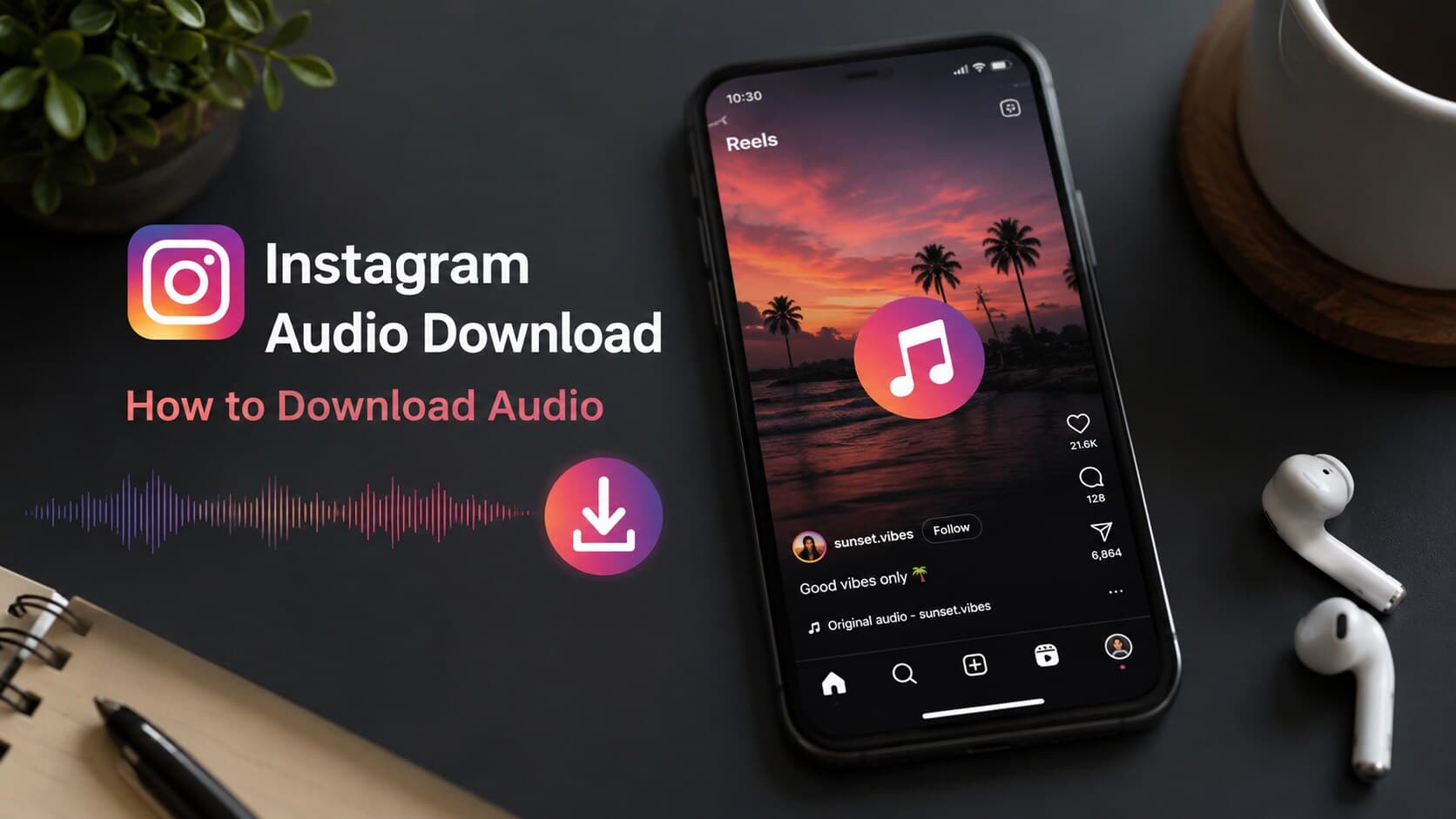
There is no special feature on the Instagram platform that allows users to save the audio track of the Reel videos and the Stories video. To do that, one needs to use web browsers, downloaders, and apps to get the audio track from the file in the form of an MP3 file. The best and most efficient ways to do it are through free online tools such as SnapInsta, SaveInsta, FastDL, iGram, and Inflact, which operate through a link to the content uploaded to Instagram. It can be done without downloading any app by using the screen recording feature of the device and browser extensions. One should always use public accounts as there is a risk associated with copyrighted audio and private accounts.
In today's digital age, Instagram is one of the most popular platforms where people can find interesting new music, trends, sounds, and voiceovers. From the audio of a trending Reel to a podcast that was embedded in someone else's Story to that funny sound in a meme video, everyone wishes they could have the same. But since there is no save-audio option available in Instagram, people need to figure out other ways to make the downloaded file their own. This article explains everything about the process of Instagram audio downloading, which tools work and which don't, and how to make sure it is smooth and stress-free.
What Is Instagram Audio Download?
By definition, Instagram audio download is the process of extracting sound track from an Instagram post and saving it as a stand-alone audio file on a device, which is mostly an MP3 file.
Any sound included with a post can be called Instagram audio. This can refer to music that comes from the audio library of Instagram, a voiceover created by the creator, ambient sounds in videos, or a popular sound used in many Instagram Reels. Every Reel and video on Instagram contains some audio, and the platform even allows you to click on the sound title to see other posts with it. That is one of the reasons why specific tracks become viral.
Why Download Instagram Audio?
There are several reasons why people may need to download Instagram audio. For example, content creators may need to use a particular popular sound in their Reels again. Someone may want to keep his favorite song and does not want to switch apps to find it. Users may save voiceovers, comedy clips, interviews, and so on in order to be able to share them with someone outside of Instagram. Musicians and DJs sometimes download audio samples for their own projects.
Is It Legal to Download Instagram Audio?
Now, this is where it gets slightly confusing. Downloading an audio clip for personal use, such as listening to it offline, carries low legal risks. On the other hand, redistribution, sale, and publication of the audio outside Instagram without permission may lead to copyright violation. If the clip is not an original one but a copyrighted song, then it will definitely be illegal to distribute it online and offline.
In addition to that, platform regulations must be taken into account. According to Instagram's terms of use, no downloading of any content via third-party tools is permitted. Even though this practice is very widespread and is hardly ever enforced against individual users, the potential legal risk lies in the further use of the downloaded file. Using it personally, giving proper credits to the author, and refraining from any further commercial usage of the audio clip created by another person is the best way to avoid breaking any laws.
How to Download Instagram Audio
There are different methods of downloading audio from the platform depending on the type of sound and whether one can use any app or website.
Download Audio from Instagram Reels
Get the link of the Reel by clicking the three dots icon then tap "Copy Link". Put this link on a download website like SnapInsta and FastDL, pick the audio only option if present, and click on the download button. You will instantly get an MP3 file of the sound on your device.
Download Audio from Instagram Videos
Videos on the regular feed will be downloaded using the same method used for Reels. Get the post URL, paste it in the downloader website you prefer and choose the audio format. Some websites are known to auto-detect whether the URL is for a Reel, video or IGTV post.
Download Audio from Instagram Stories
Stickers disappear after 24 hours. You need to download the story within the period of time. You can copy the story link if you are on desktop, and download it using a dedicated app on mobile phone. After this process you can extract audio using a tool.
Download Instagram Audio Without an App
If you don’t feel like downloading some application on your phone, you can record the video with your phone’s native screen recording feature while playing the video. This way, after that, you can use a free online video to audio converter to extract audio from it. This isn’t the most convenient approach, but it does the job when you don’t want any applications occupying your phone memory space.
Best Instagram Audio Download Tools
Online tools are more commonly used since no need for installation and working on any device is one of their main advantages.
- SnapInsta – Popular free downloader that supports Reels, videos, and Stories and uses simple paste-and-download approach.
- SaveInsta – Fast processing speed and both video and audio-only downloading supported.
- FastDL – Clean interface without a lot of ads where you can select the required format of the file before download.
- iGram – Suitable for bulk downloading, supports audio extraction from Reels.
- Inflact – In addition to the normal file downloading, provides Instagram Stories preview feature.
SnapInsta
This is another popular name when it comes to such services. After pasting a link to the post, the website will grab the media, and you can choose between video and audio. There is no registration required and it is available for free both on desktop and mobile browsers.
SaveInsta
The main feature of SaveInsta is speed. The design is minimalist, loading times are fast, and it allows downloading Reels, posts, and IGTV without any hassle. This is another great option to use if the first website that you've tried does not work.
FastDL
This website has less pop-ups compared to some other websites. It offers different formats and resolutions of downloading and it also has an option to extract audio that is quite easily accessible.
iGram
The advantage of iGram is bulk downloading. If you need to download audio from several posts simultaneously, this service will help you. Also, iGram is likely to maintain audio quality better compared to other websites.
Inflact
This website has additional features besides downloading, for example, watching Stories anonymously and exploring hashtags. Also, audio downloading process is similar to other services, it requires only to paste a link and choose a format.
Best Apps for Instagram Audio Download
Alternatively, you could opt to use an application in place of using a web browser to do the task.
- Video Downloader for Instagram (Android) - This is a special application for downloading Instagram Reels and videos.
- Documents by Readdle (iPhone) - An all-in-one file manager and browser for downloading files and converting them.
- InSaver - An app that focuses solely on saving Instagram content fast.
- Instant Save - Known for the one tap download feature.
- Repost for Instagram - Mainly used for reposting content but can be used for saving audio and video.
Video Downloader for Instagram (Android)
This application will allow you to either enter a link or share the video via the Instagram app and then save it into the gallery, where the embedded converter will extract the audio as MP3.
Documents by Readdle (iPhone)
Since Apple restricts direct downloading through Safari in some cases, Documents by Readdle acts as a workaround. It has its own browser where you can visit downloader sites and save files straight into the app's storage.
InSaver
InSaver keeps things simple with a clean interface built around one job: downloading Instagram content fast. It supports Reels, posts, and Stories without demanding extra permissions.
Instant Save
As its name suggests, Instant Save is one of the fastest downloaders out there, processing the link nearly instantly after pasting. If you need quick downloads without additional options, Instant Save may be a great choice for you.
Repost for Instagram
In addition to the primary feature of content reposting with proper attribution, Repost for Instagram allows you to save both the original video and audio files locally.
Instagram Audio Download on Different Devices
Depending on your device type, the downloading process will vary a little bit.
Download Instagram Audio on Android
It is much easier for Android users to download the audio, because many third-party applications can be easily downloaded from the Play Store or APK files. Try using a downloading app together with the audio converter application.
Download Instagram Audio on iPhone
iPhone users use either Safari and downloader websites, or an application called Documents by Readdle, since the built-in web browser has some restrictions.
Download Instagram Audio on Windows PC
When using a PC, browser-based methods tend to be more efficient. Copy the URL of the Instagram audio to websites such as FastDL and SnapInsta and the file will download automatically in the form of an MP3 file into your Downloads folder.
Download Instagram Audio on Mac
For Mac users, the process is basically the same as for Windows computer users. Both Safari and Chrome browsers are compatible with the downloaders and you will have the file saved in the default Downloads folder for use with any media player.
Features of the Best Instagram Audio Downloader
Since not all the downloaders are created equal, it might be useful to learn about what makes a good Instagram audio downloader. A downloader can be fancy-looking on the outside but end up being slow in terms of results or install malware without telling you. The following features will help you avoid many problems and save your time and nerves.
- High-Quality MP3 Downloads – Good downloaders don’t convert the original sounds to low-quality compressed audio.
- Fast Download Speed – A reliable downloader should process links in seconds and not in minutes.
- No Registration Required – One shouldn’t need to sign up or provide an email to download an audio file.
- No Watermark – Audio files should be clean; no logos or introductory audio tracks should be added.
- Safe and Secure Downloads – Reliable downloaders should not include any malware or send you to ad-filled pages.
High-Quality MP3 Downloads
Audio file quality is determined by how Instagram compresses the file, but good downloaders shouldn’t add additional compression.
Fast Download Speed
Nobody wants to sit around waiting. The better tools process a link and generate a downloadable file within a few seconds, even during busy traffic periods.
No Registration Required
Trustworthy downloaders let you paste a link and get your file immediately, no sign-up walls or email verification needed.
No Watermark
Some shady tools slap their own branding onto the file or attach an intro clip. Quality tools skip this entirely and hand over a clean audio file.
Safe and Secure Downloads
Opt for websites having HTTPS, fewer pop-up ads, and not installing apps. An excessive number of permissions and other requirements for downloading an audio file indicate potential risks that must be avoided.
Common Instagram Audio Download Issues
Even high-quality downloaders may face some challenges occasionally. Fortunately, all of those are caused by just a few reasons, which means you won't need to switch between five different downloaders to fix them.
Audio Not Downloading
When nothing seems to happen after posting a link, make sure that you have entered the right link to a public post. Clearing your browser's cache and using another tool should help resolve the problem.
Download Link Not Working
A broken link means either Instagram has changed something about its backend or the server hosting the tool is overwhelmed. In both cases, you only need to wait a few minutes or try another downloader tool.
Private Account Restrictions
Downloader websites cannot access any posts from private Instagram profiles because you will need to follow that profile and access it via the app itself.
Poor Audio Quality
In case the output is of poor quality, then the tool should be changed since the quality can greatly vary from one downloading site to another. Some websites compress files too much.
Unsupported Audio Format
Sometimes the output is of an unsupported format, such as an AAC file, rather than MP3. This can easily be fixed within a minute with the help of an audio converting app.
Tips for Downloading Instagram Audio Safely
- Download Only Public Content – The content downloaded should be available without following a private profile in order not to break any rules and invade the creator's privacy.
- Respect Copyright and Creator Rights– It is recommended to cite or ask for permission when using the audio content, especially music, in public domain.
- Avoid Unsafe Download Websites – Do not download anything from websites that have many pop-ups, fake buttons of downloading, and other things of this kind.
- Keep Downloaded Audio Organized – Create folders for all your downloaded audio content.
Conclusion
There's no official way to download audio from Instagram, but it's definitely not complicated after learning what to do. With free websites like SnapInsta, SaveInsta, FastDL, iGram, and Inflact, you will be able to satisfy almost all needs, with nothing more than a link needed to download the sound and no need to install anything. You can even opt for mobile applications such as InSaver and Instant Save, which will make the process faster for those who prefer using their mobile device to accomplish the task. Almost all download problems you might face boil down to a faulty link or a private profile – and there's no problem solving either of these issues. It should only be remembered that one needs to pay respect to copyright, especially when planning to repurpose the audio.
FAQ’s
1.How to Download Instagram Audio?
Simply copy the link of the Reel, video, or post that you wish to download audio from. Paste the link on a site such as SnapInsta or FastDL. If there is an audio-only option, select it and proceed with downloading. The MP3 file will automatically be saved to your device in seconds. In cases where only videos can be downloaded, first download the video and use an online video-to-audio converter.
2.How to Download Audio from Instagram?
The steps remain the same irrespective of the type of post. Copy the share link using the three dot option on the post, paste it on any trusted downloader website, and choose MP3 or audio-only option. Most sites will have your request processed within ten seconds. Mobile phone users can opt for mobile phone apps such as InSaver or Instant Save which allow direct pasting of links in the app.
3.How to Download Audio from Instagram Reels?
Simply access the Reel video, click on the three dots icon and choose “Copy Link.” Now go to a sound downloading website like iGram or SaveInsta. Paste the link there and choose the sound format. You will get the MP3 sound file which can be played anywhere. As Reels usually feature trending sounds, some websites also allow searching for sounds without copying the link.
4.Can I Download Audio Without Installing an App?
Of course, you can do that with the help of browser-based applications. Simply copy the link of the post on the platform, and paste it at websites such as FastDL or Inflact in any browser available on your mobile or desktop. Alternatively, you can screen record the Reel post as it plays and convert it to an MP3 sound file using any online converter available.
5.Can I Download Audio from Private Instagram Accounts?
Usually not. Downloaders that operate from outside the Instagram application can only access content posted publicly since they download it using publicly accessible Instagram URL links. In the case of private profiles, one needs to be an authorized user who will have to download content via the application itself.